2. Getting Started
In this tutorial you will learn how to create your first CouchApp
(embedded applications in CouchDB) using the couchapp script.
Generate your application
couchapp provides you the generate command to initialize your first
CouchApp. It will create an application skeleton by generating needed
folders and files to start. Run:
$ couchapp generate helloworld
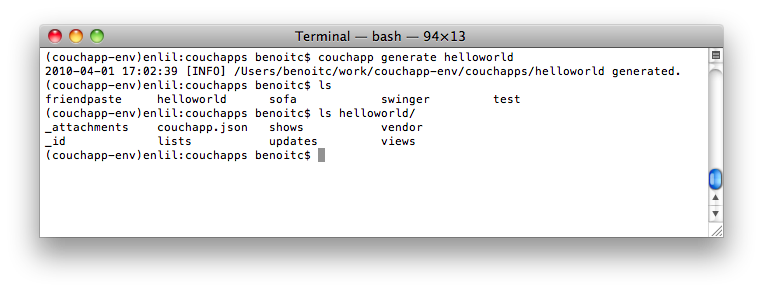
$ couchapp generate
Create a show function
To display our hello we will create a show function.
$ cd helloworld/
$ couchapp generate show hello
Here the generate command create a file named hello.js in the folder
shows. The content of this file is:
function(doc, req) {

}
which is default template for show functions.
For now we only want to display the string “Hello World”. Edit your show function like this:
function(doc, req) {
    return "Hello World";
}
Push your CouchApp
Now that we have created our basic application, it’s time to push it
to our CouchDB server. Our CouchDB server is at the url
http://127.0.0.1:5984 and we want to push our app in the database
testdb:
$ couchapp push testsb
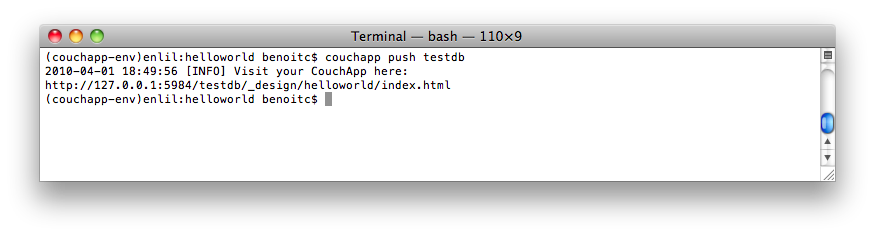
$ couchapp push
Go on http://127.0.0.1:5984/testdb/_design/helloworld/index.html, you will see:
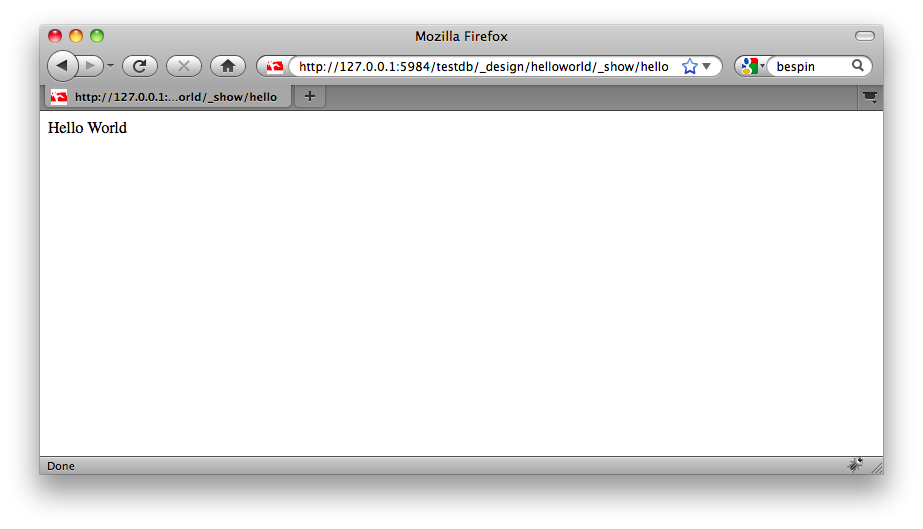
CouchApp hello world
Clone your CouchApp
So your friend just pushed the helloworld app from his computer.
But you want to edit the CouchApp on your own computer.
That’s easy, just clone his application:
$ couchapp clone http://127.0.0.1:5984/testdb/_design/helloworld helloworld
This command fetch the CouchApp helloworld from the remote database
of your friend.
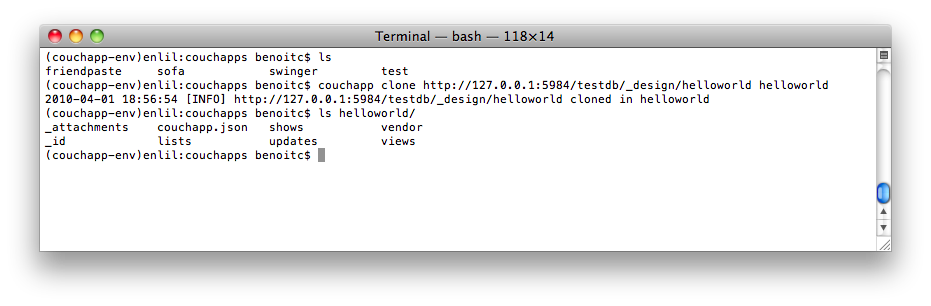
$ couchapp clone
Now you can edit the couchapp on your own computer.